SDA Flow
Software for Adventist congregations
The words of the service on every phone, in every language your congregation speaks. The bulletin in the pew and on the phone. Letters to the church, visitors followed up, the board’s votes — in one place, built by members of an Adventist church for their own congregation and offered now to yours.
Built for the people who keep a church running
The office types Sabbath in once
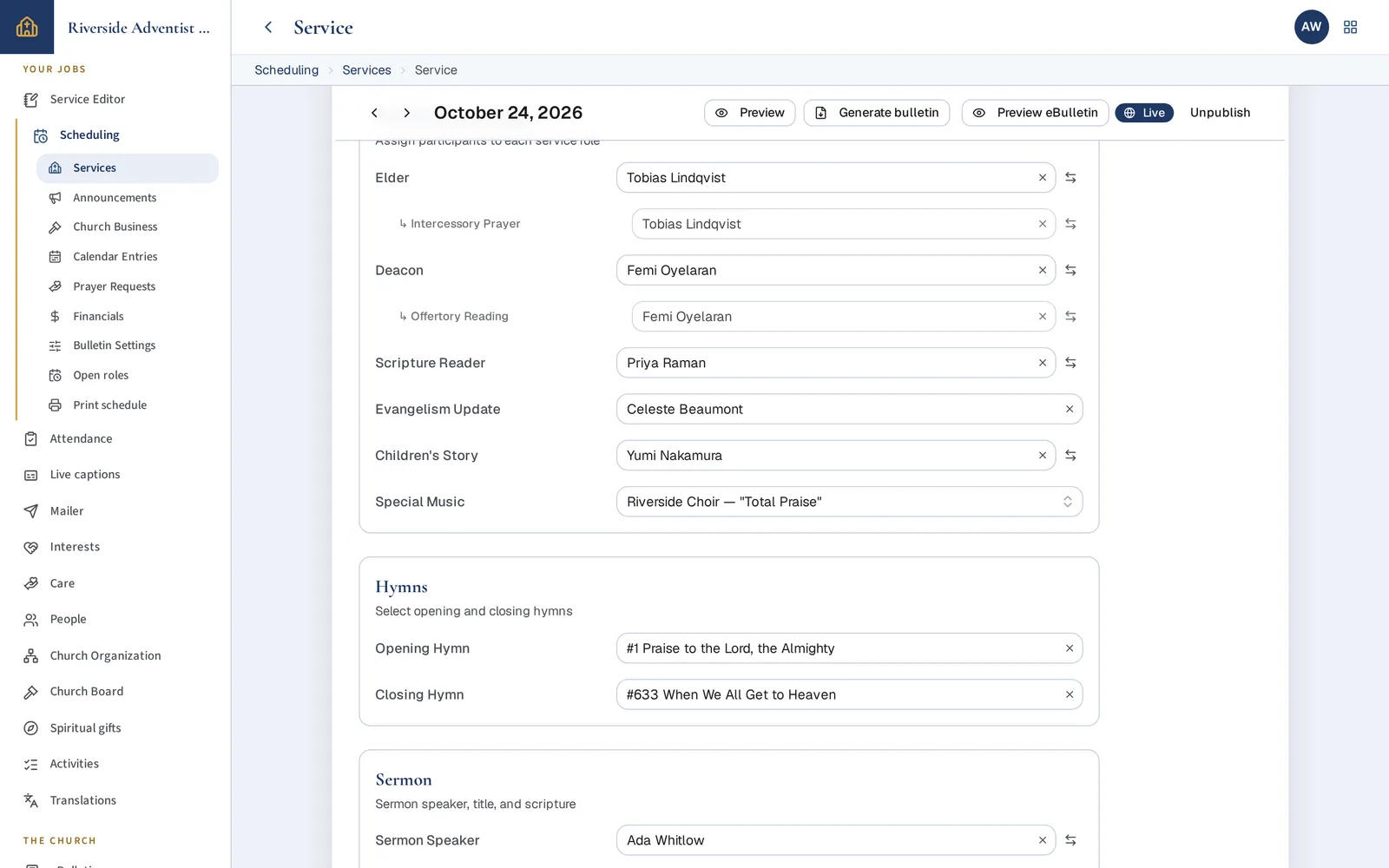
Hymns, readings, who's up front, the week's notices. The printed bulletin, the phone version and the serving schedule all come from that one entry.
Turn on one piece at a time
Start with the bulletin, add captions next quarter. Anything you haven't turned on stays out of your volunteers' way.
Care notes aren't for everyone
Pastoral notes, attendance and the mailing list are seen by the people doing that work. The person who set up the site can't read them.
No passwords to forget
Members sign in with an emailed link, or with Google or Microsoft. Church mail doesn't track who opened it.
Six things, each done well
Start with the one your church needs most. Tap any picture to see it on a phone, a laptop and paper.
Everyone in the room follows the sermon — in their own language.
The words appear on phones as they are spoken. Spanish, Portuguese, or any language your congregation needs is one tap away, and anyone who would rather listen can hear it read aloud in their language.
- A visitor who speaks little English follows the whole service.
- Members who are hard of hearing stop guessing at the sermon.
- Your YouTube stream gets captions timed to the picture.
- A volunteer runs it from a laptop: a microphone, three steps, Go live.
Fill in the Sabbath once. It prints, it's on every phone, and everyone knows where they serve.
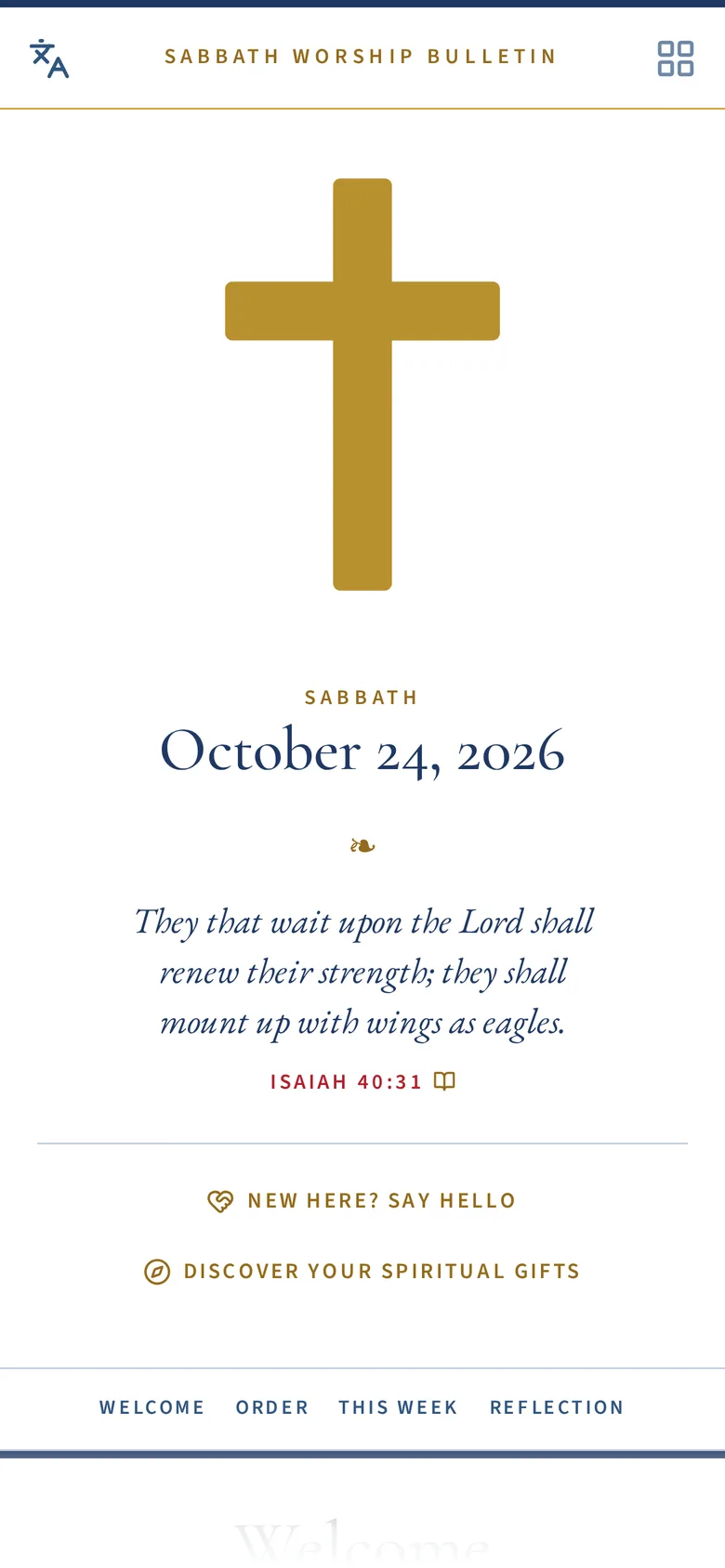
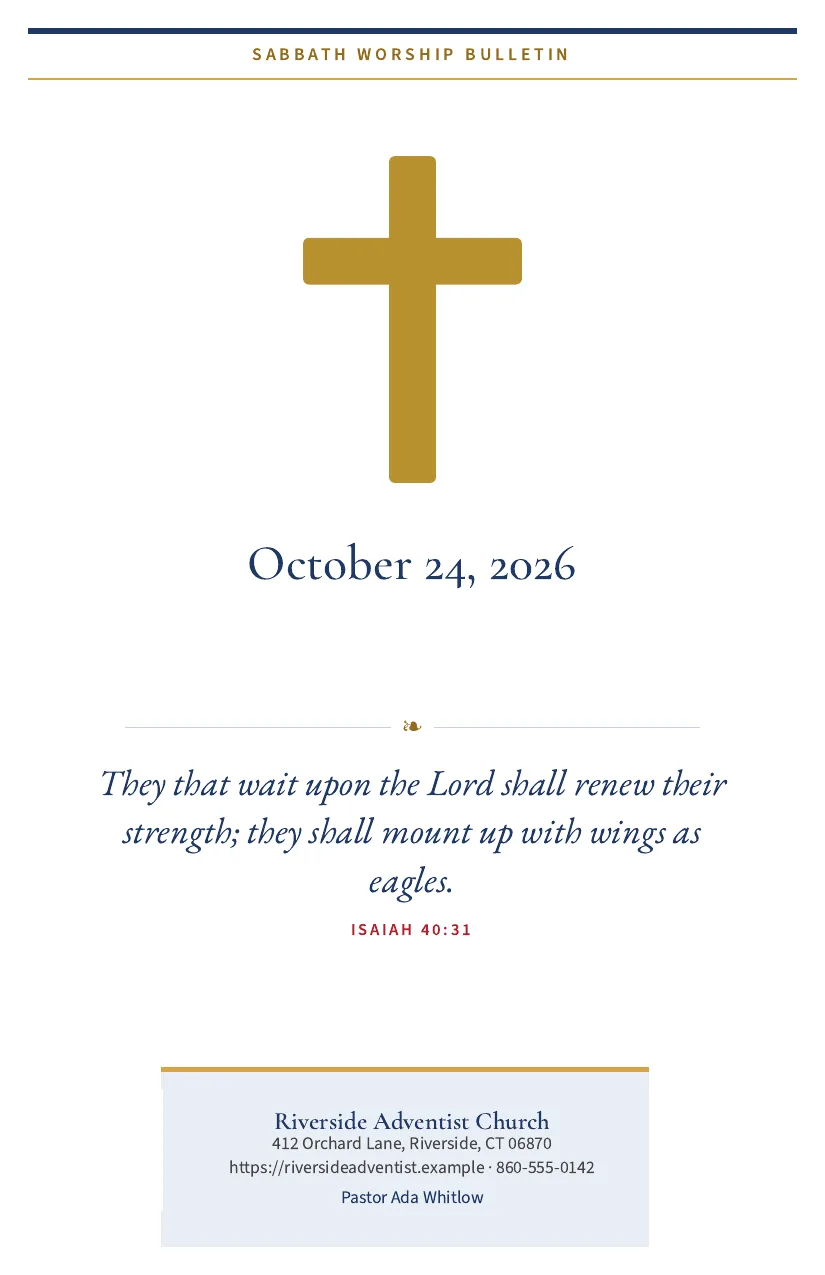
Type the week in one place — who is up front, the hymns, the sermon, the announcements. Out comes a folded bulletin for the pew and an eBulletin for the phone, with the hymn words and the Bible passages a tap away.
- Friday's bulletin takes minutes, not an evening.
- Publish once and the eBulletin shows this Sabbath to everyone, at your church's own address.
- Announcements and the calendar are written once and reused every week.
- Ministry leaders fill their own roles from a phone, so the office stops chasing.
Letters that look like your church, sent in a few taps.
Start from a bulletin notice, a prayer request or a blank page. Write it as it will look, choose who gets it, send yourself a test, and go. Readers can leave one list without leaving them all.
- A prayer request reaches the whole church within the hour.
- The bulletin goes out with the publish, the letter already drafted for you.
- Nobody is tracked — the mail carries no hidden pixel, and the church's privacy statement says so.
- A helper tightens a draft or suggests a closing verse — only when you ask, and nothing changes until you say so.
Nobody who signs the guest book is forgotten.
A visitor fills in a welcome card on their phone. It lands on a board where someone takes it, calls or visits, and logs it in a tap — so the follow-up actually happens. Care for members stays in a notebook that only the pastor's circle can open.
- Every new face gets a call within the week.
- The team sees who is waiting and how long it has been.
- Pastoral notes are read by a named few and no one else — not even the person who set up the site.
- Anyone the church names can raise a concern without seeing the file.
Help people find where they fit.
A short survey on a phone — gifts, passions, abilities, season of life — and a result that points to real roles in your church, with the reasons. Members share their interests with the nominating committee only if they choose to.
- The nominating committee starts with willing people, not a blank sheet.
- A newcomer learns where they could serve before anyone has to ask.
- A printed report to take home, with a code back to the online version.
- Anyone can take it — from a mailed link, or straight from the bulletin.
The officers, the board and its votes — recorded, printed, done.
Keep who holds which office each year, print the roster, and let the board vote from their phones — in the open or by secret ballot — with minutes you can print. Meetings keep their own attendance and quorum without a spreadsheet.
- A motion goes out by email and comes back decided, with the record.
- A secret ballot stays secret, and still counts each member once.
- The officers' roster prints in the church's own look, the board on its last page.
- The clerk, the board and the nominating committee each see what is theirs.
Begin with the essentials, or with captions alone
A plan is a starting point. Your church switches off what it does not use, and we switch on more when you ask.
Essentials
The bulletin, printed and on the phone, with the hymns, the Bible passages and the daily devotional. Nothing to set up.
Standard
Essentials plus the Mailer, live captions, the welcome card, attendance and the board's votes.
Captions
Live captions and translation on their own — for a conference, a camp meeting, or a church that keeps printing its bulletin as it does today.
Full
Everything, with the writing helpers.
Translation, read-aloud and the writing helpers use paid services; SDA Flow’s accounts cover them unless your church prefers its own.
Not the Church’s — a service for its congregations
SDA Flow is a service of Tompkins R&D (tompkinsrnd.com). It is not owned, operated or managed by, and not affiliated in any official capacity with, the Seventh-day Adventist Church, its General Conference, the North American Division, or adventist.org.
We are Seventh-day Adventists building software for Adventist congregations.
“Seventh-day Adventist”, “Adventist” and “SDA” are trademarks of the General Conference Corporation of Seventh-day Adventists. They are used here only to say who this service is for.
For Adventists, by Adventists
Good tools should not belong only to large churches. We want every congregation — the small ones above all — to have them at a price it can meet, so that its time goes to its people and its community rather than to its paperwork.
We build them in service of the mission of the Seventh-day Adventist Church in North America and around the world, not for anyone’s personal gain.